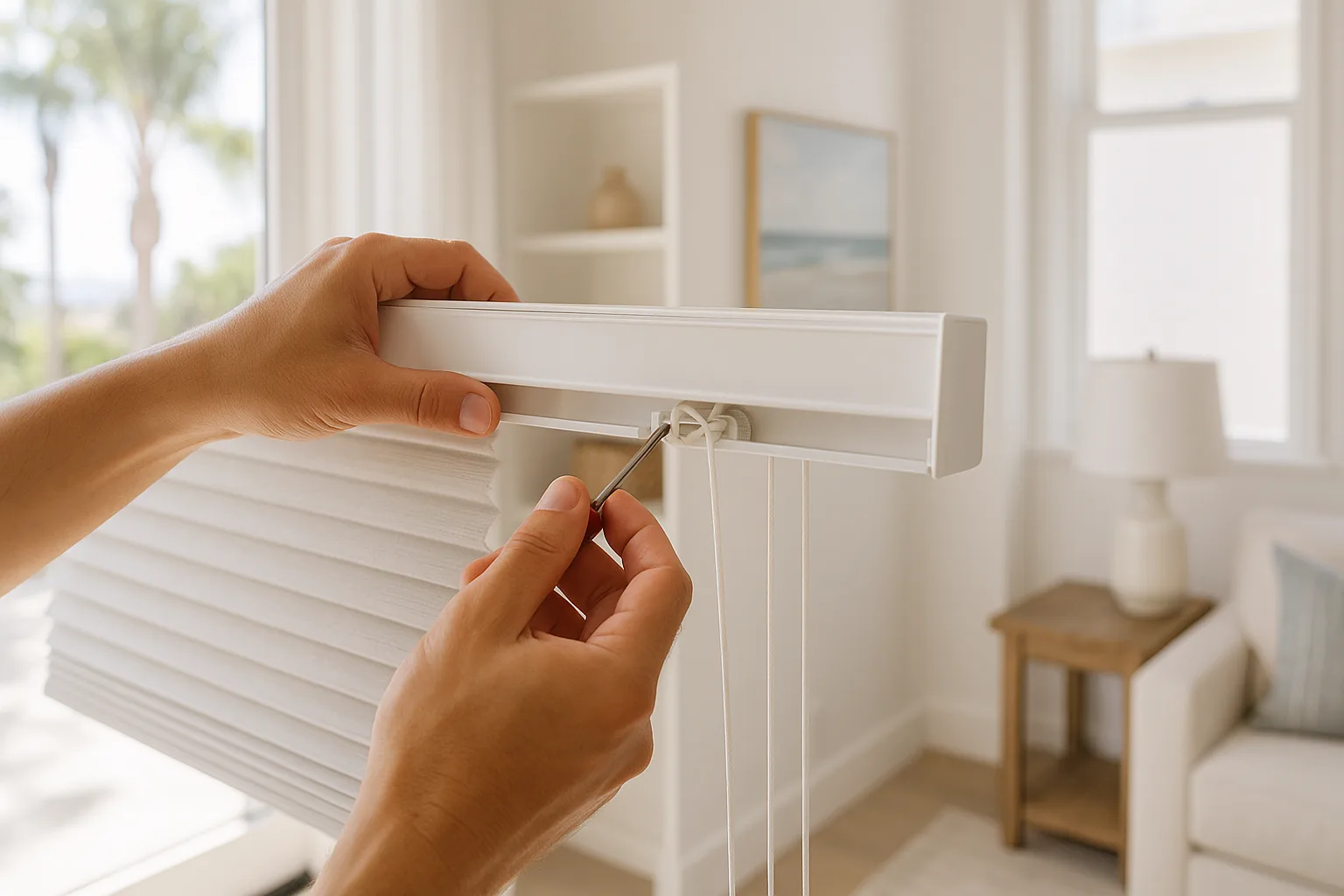
Introduction: Why Resetting Your Hunter Douglas PowerView Remote Matters
Living in sunny San Diego, having the perfect window coverings is essential to managing light and privacy. Hunter Douglas PowerView remotes are popular for their convenience, but sometimes require a reset to function optimally. This guide from Royal Window Coverings, your local San Diego experts, will help you reset your remote efficiently.
Understanding Your Hunter Douglas PowerView Remote
Before diving into the reset process, it's crucial to understand your remote's functionality. The PowerView remote is designed to control your shades with ease, reflecting the seamless indoor-outdoor lifestyle of San Diego. Familiarize yourself with the buttons and settings to ensure a smooth reset.
Step-by-Step Guide to Resetting Your Hunter Douglas PowerView Remote
Follow these steps to reset your remote:
- Step 1: Locate the reset button on the remote.
- Step 2: Press and hold the reset button for 6 seconds.
- Step 3: Release the button and wait for the LED to blink.
- Step 4: Test the remote with your shades to ensure functionality.
Tips for Maintaining Your Hunter Douglas PowerView Remote
Regular maintenance of your remote extends its lifespan. San Diego's coastal climate can affect electronics, so consider these tips:
- Avoid exposing the remote to direct sunlight.
- Keep the remote in a dry place to prevent moisture damage.
- Replace batteries regularly to maintain optimal performance.
When to Seek Professional Help
If you encounter persistent issues, it might be time to consult professionals. Royal Window Coverings offers expert repair services to San Diego residents, ensuring your window coverings operate smoothly.
Conclusion: Enjoy the Benefits of Your Reset Remote
Resetting your Hunter Douglas PowerView remote ensures you continue to enjoy the benefits of automated window treatments. For further assistance or to explore new window covering options, reach out to Royal Window Coverings, proudly serving San Diego for over 18 years.
Frequently Asked Questions
Frequently Asked Questions
How often should I reset my Hunter Douglas PowerView remote?
You should reset your remote only when experiencing issues or after changing batteries to ensure proper functioning.
What should I do if my remote won't reset?
Ensure the remote has fresh batteries and is within range of the shades. If problems persist, consult with a professional service.
Can resetting the remote affect my shade settings?
Resetting the remote will not affect the shade settings but ensures the remote communicates correctly with the shades.
Is professional help necessary for resetting the remote?
Resetting the remote is a straightforward process, but professional help is recommended if persistent issues occur.
Does the San Diego climate affect my remote's performance?
Yes, the coastal climate can impact electronic devices. Protect your remote from moisture and direct sunlight to maintain performance.
Need Help in San Diego?
Text us a photo or question — San Diego's window covering experts respond fast.